![]() |
|
|
|
A private software consulting firm specializing in Microsoft Access consulting and database development. We can help with consulting, support, troubleshooting, training, conversion or general advice. We also sell low cost sample Access databases, templates and products.
|
Welcome to RPT Software, LLCRPT Software specializes in Microsoft Access consulting and custom database development. Contact us today for a free consultation.If you are looking for a Microsoft Access programmer or help with developing a custom Microsoft Access solution, you have come to the right place. We are professional software engineers who specialize in building database solutions. Microsoft Access is our tool of choice, however we are adept at various types of software development. In today’s world Microsoft Access databases interact with websites, back-end systems and desktop software and we have the expertise to provide customers with the right solution. We are fluent in all version of Microsoft Access from version 1.0 through 2007, however we currently do most development in Microsoft Access 2000, 2003 or 2007.
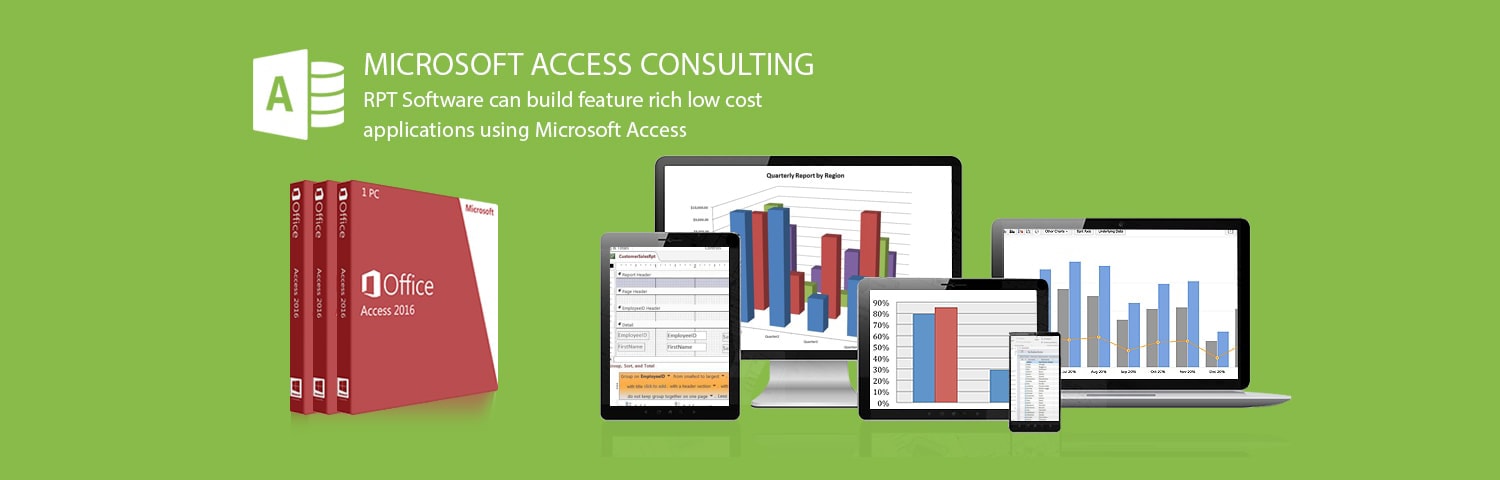
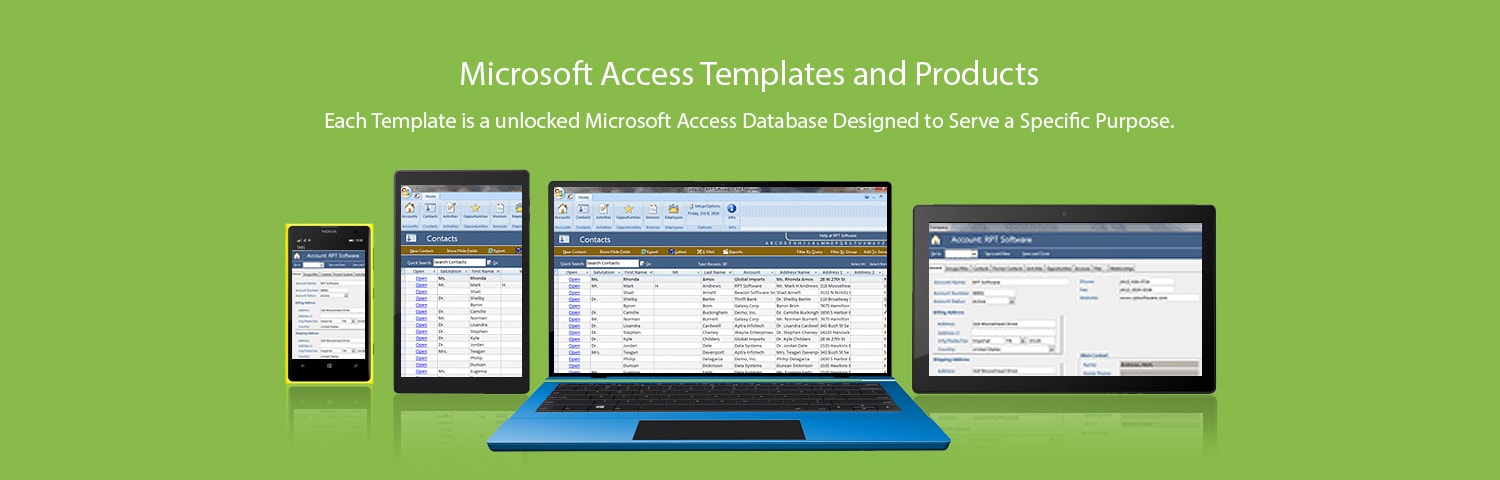
RPT Software - Product NewsDonation Management Software Released Jan 22, 2010Donation management software designed for any type of firm doing fund raising. Also works as a general purpose contact management system. We have devoted a complete website to this donation software package. Our plans are to continue to grow this software by adding more features and functionality. If you are a possible consulting customer we recommend you take a look at this software package. We can build a similar "look/feel" for your upcoming software project and easily incorporate functionality that makes sense for your custom project. Microsoft Access 2007 CRM Template (free version) Released March 25, 2009A free small scaled down version of our CRM template in Microsoft Access 2007 .accdt format. Download the free template. Microsoft Access E-Mail Module Released March 17, 2009The E-Mail Module is a Microsoft Access database that provides the source code you need to easily add E-Mail and Microsoft Word merge functionality with customizable templates to your database. It also does batch reporting. For example, you want to build a button to send e-mails to the 200 customers who should be informed about a special offer. The email should be customized with the customer's information and should have 2 attachments (which are Microsoft Access reports that need to be run for each customer). You use our E-Mail Module to easily create the PDF, XLS, RTF, SNP, TXT or HTML files and then to send the email(s) with the appropriate attachments (all with a few lines of code). HTML and txt e-mails are supported. Download a free evaluation and try it out today. Microsoft Access CRM Template Released November 21, 2008RPT Software has decided to get into the business of selling low cost, pre-packaged Microsoft Access templates and has released the first of many templates. The CRM template is a sample database designed to manage the various types of data found in a customer relationship management system. Out of the box it has screens for Accounts, Contacts, Opportunities, Activities (Tasks, Phone Calls, Faxes, E-mails, Letters, Appointments, and Service Activities) and Invoices. It also has a dashboard area, reporting and custom security. Download a free evaluation and try it out today. RPT Software - Microsoft Access ServicesMicrosoft Access ConsultingRPT Software can build feature rich low cost applications using Microsoft Access. We have done numerous projects so we can quickly build your custom project by re-using code from previous projects. Our staff has years of experience in all versions of Microsoft Access as well as numerous other technologies (Microsoft SQL Server, Oracle, filemaker, web technologies (ASP, ASP.NET, Javascript etc...), Microsoft Sharepoint and many others). Microsoft Access consultants and developers can vary greatly in their expertise, be safe and go with RPT Software (we specialize in Microsoft Access consulting). Our Microsoft Access applications provide "user-friendly" professional user interfaces. Our Microsoft Access consultants will also make sure to guide you to the correct technology, because Microsoft Access is not a perfect fit for all problems. Microsoft Access Proof of Concept/PrototypingOnce our Microsoft Access consulting services have completed the design of a project, a prototype or proof of concept application can be used to test out the viability of the concept. If you are unsure of exactly what you need, a prototype is the way to go. Taking a look at the user interface of a proposed solution is a good way to flesh out the needs or requirements of your project. Our Microsoft Access consultants can then take the prototype to your final solution by programming the remaining functionality. Microsoft Access Database TroubleshootingIf you already have a database solution that is behaving badly, running too slow or not working the way you would like you can use RPT Software's Microsoft Access consulting services to help fix the problems or optimize the application. Microsoft Access Conversion ServicesDo you need help converting your current Microsoft Excel system that you built yourself to Microsoft Access? How about help with a Microsoft Access database that's in the wrong version of Microsoft Access? Possibly you need help moving from Access to SQL Server, getting your Access database up on the web or talking with Microsoft Sharepoint? We can help, contact us today. Microsoft Access Support ServicesAre you new to Access or need help with a particular problem? We can provide hourly help. You can purchase an hour at a time or perhaps buy one of our database templates and purchase a few hours of dedicated help for us to help you build or design the solution. Some customers like for RPT Software to do all the work, some prefer to do most of the work themselves and just pay for a few hours of Microsoft Access consulting help to supplement the design or programming efforts required in building a solution. Microsoft Access Training ServicesYou can use our Microsoft Acccess consultants to help train your software engineers. What we have found that works best is for the trainee and trainer to work together one on one. We walk you through the problem and solution the way we would approach it and you learn as you go. For very basic training (you don't understand what a table is etc...) we recommend you start with buying a Microsoft Access book or attending a basic class in Microsoft Access, RPT Software is much better at taking over when the books and basic training fall short. RPT Software - Microsoft Access ExtrasTips and Best Practices (for Microsoft Access database development)Here are a few tips that will help you design and build good Microsoft Access databases. Tip #1 - Table design and relationship design are importantMicrosoft Access provides for rapid application development but that doesn't mean that good relational design should be sacrificed just because the developer doesn't think things through up front. Making a solution with proper table and realtionship design is very important. Tip #2 - Always create a front-end and back-end databaseUnless you are just making a quick database for personal use, you should always split a Microsoft Access solution into two databases. This article demonstrates best practices and code you can use to help with linking tables: Microsoft Access database splitting. Tip #3 - Backup work often while in the development processIn general backing up files often is a good tip for all types of development. MS Access databases can become corrupt under various circumstances and numerous changes of code sometimes require you to look back at previous versions. Backup at a minimum of once per day. Tip #4 - Provide a calendar for date selectionFor all access date fields that the user is entering you should supply a good calendar form for easy date selection. I prefer this code Microsoft Access calendar, however there are many versions of homemade calendars forms available on the web. Tip #5 - Do proper error handling in all routinesEvery function or subroutine should contain error handling. Without it, a user may be left viewing the faulty code in a full version of Access and a run-time version of Access will just crash. Thanks again to Allen Browne for another good link:Microsoft Access error handling Tip #6 - Use the newsgroups to ask questionsThe Microsoft Access newsgroup can be a very useful place to ask general questions and get help. Tip #7 - Find example code that's as close as possible to your proposed solutionNever start a development project without looking for code sample or examples that could help you build your solution faster. Why do work when someone else has already tackled the problem for you? Our links page has some places to look as well as our database templates are a great way to start a project and shave a month of the project for just a small investment. Tip #8 - Find a good Microsoft Access programmer when needed if you don't have in-house expertiseYour time and effort costs money and it's always a good idea to get help. If you have some questions shoot us an email, we answer lots of questions free of charge. If you need a new database we can probably show you one that's pretty close to what you need and then you just pay for some tweaking to make it exactly what you need. |
|
|   | ||